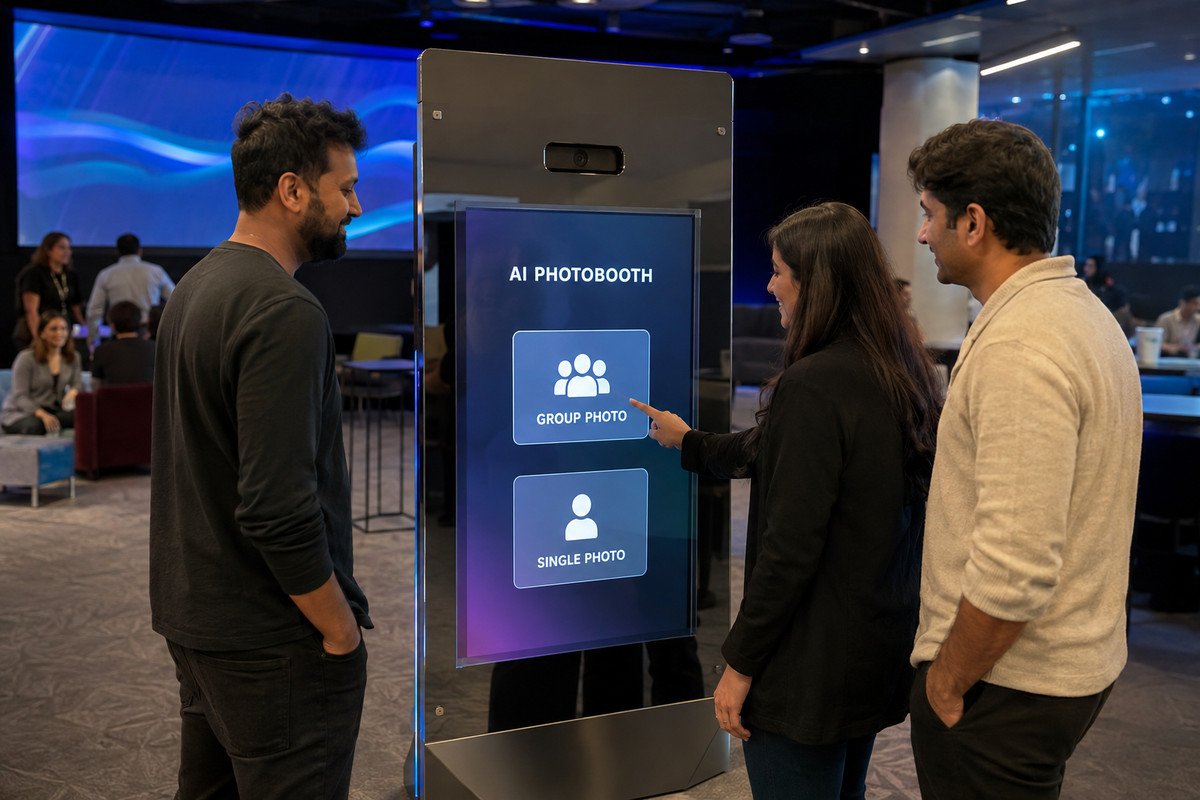
Stage 01
1. Choose the experience
Guests begin together at the freestanding touchscreen kiosk.
Choose Group Photo or Individual Photo, capture automatically, review, select a costume, generate the face-swap image, scan the QR code, and download on a phone.
The screens show the Group Photo route. Individual Photo uses the same steps with single-person framing and compatible templates. The QR code shown is illustrative.
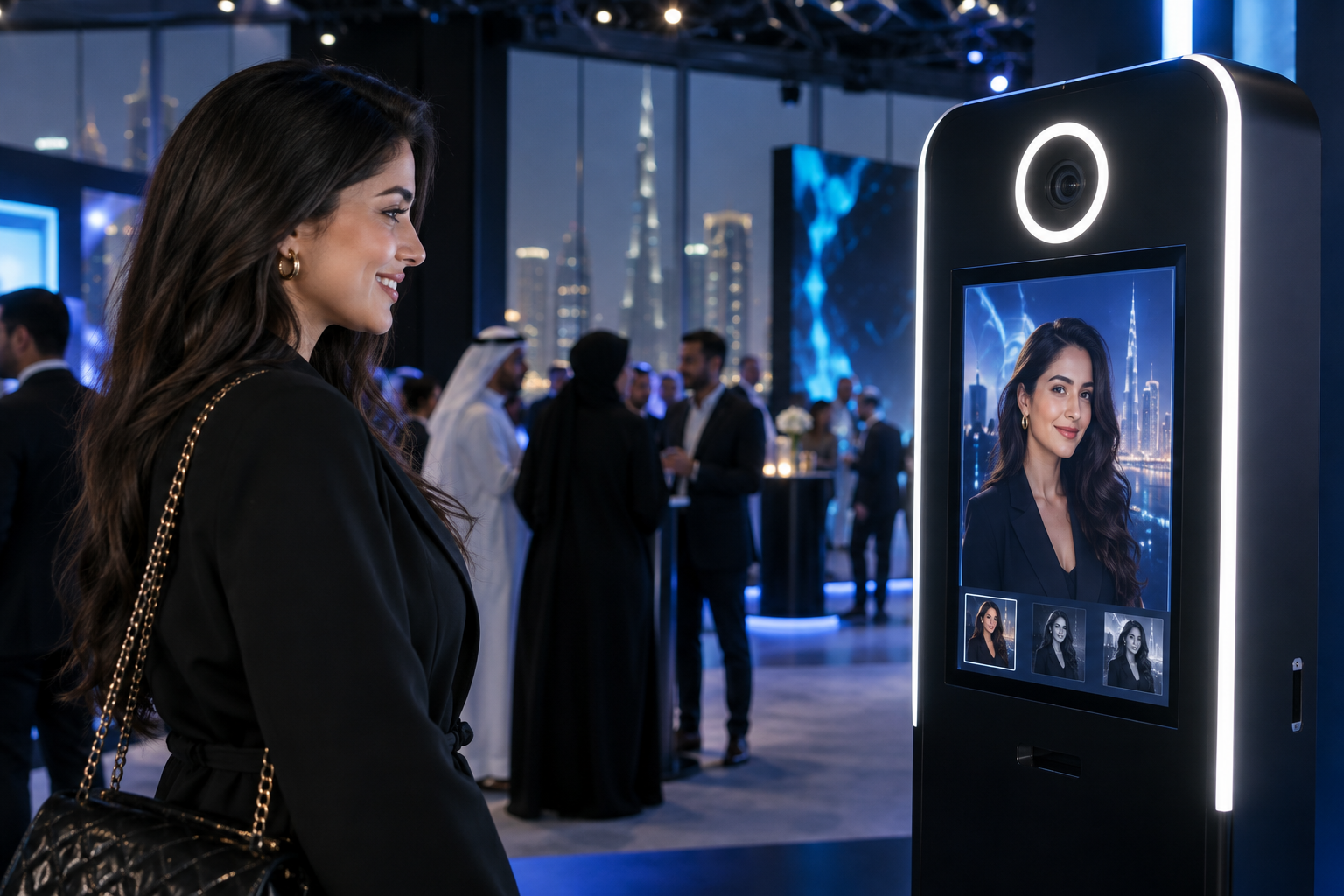
A typical guest experience around the physical touchscreen kiosk
Guests begin together at the freestanding touchscreen kiosk.
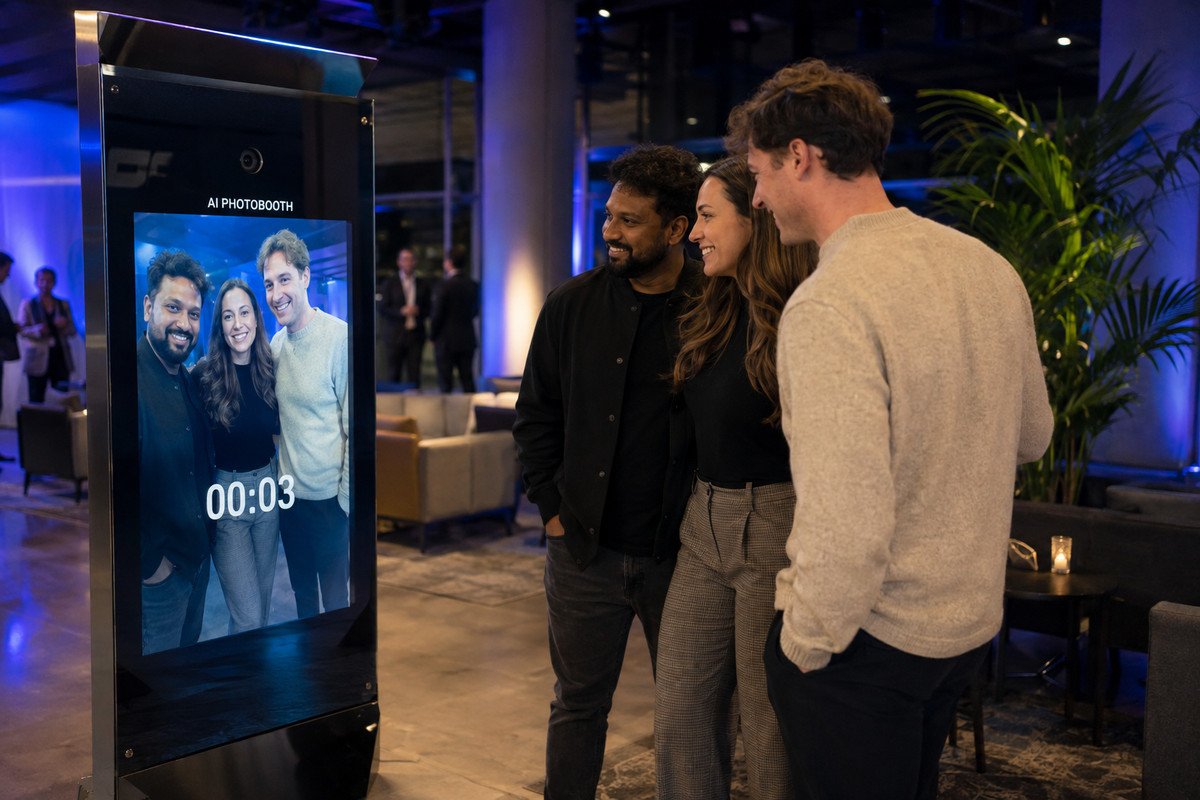
The live preview and countdown guide the group before capture.
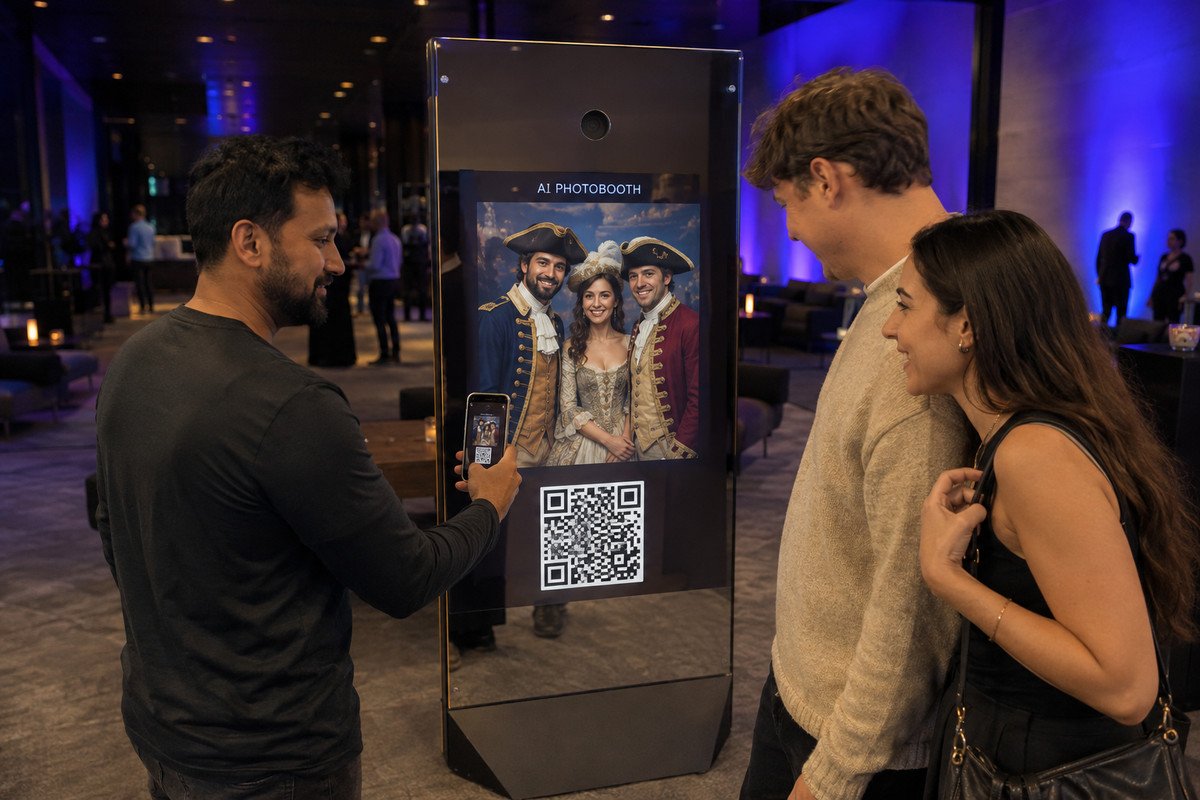
The result stays on the kiosk while a guest scans it to a phone.
Selection, camera, review, costume choice, AI generation, and QR result all appear on the event kiosk.
The scanned QR link opens a private download page in the guest's phone browser.
Explore each exact touchscreen state and mobile delivery interface as presented in the client design specification.
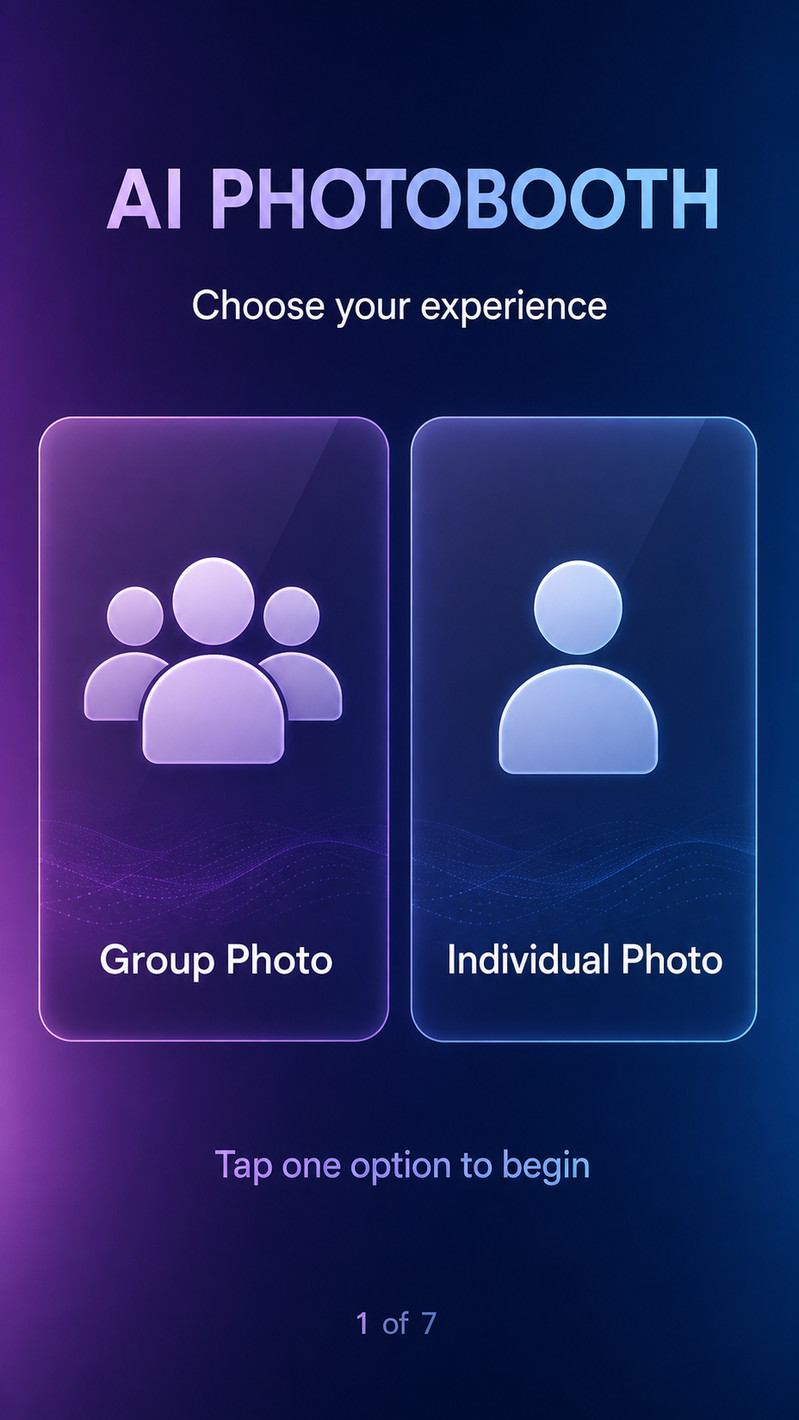
Let the guest choose the photo experience before the camera starts.
The guest taps one option. This walkthrough follows Group Photo.
The selected mode is stored and the interface opens the matching camera layout.
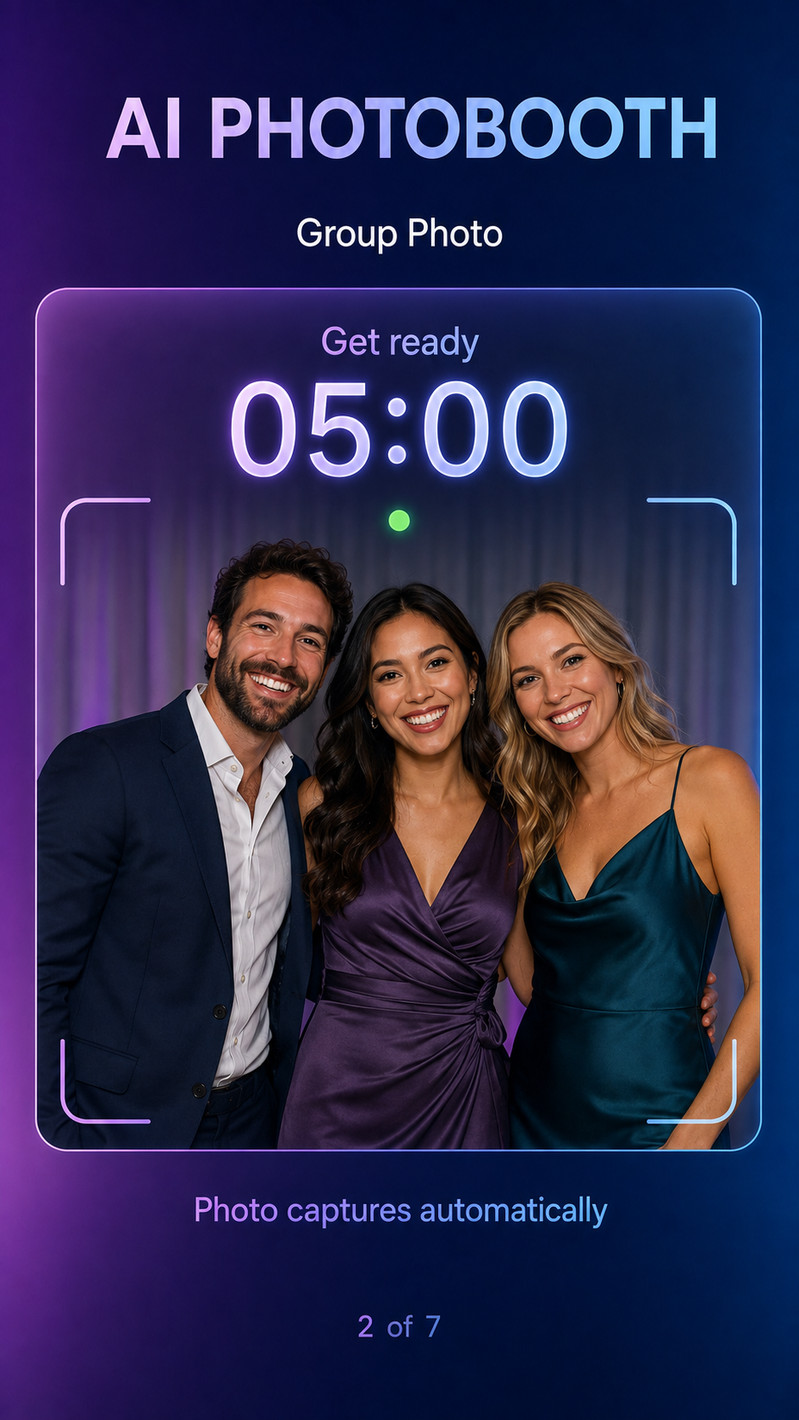
Position the guests and capture the photo automatically.
The guests move into position and wait for the timer to reach zero.
The frontend starts the timer only after the camera is ready, then captures automatically.
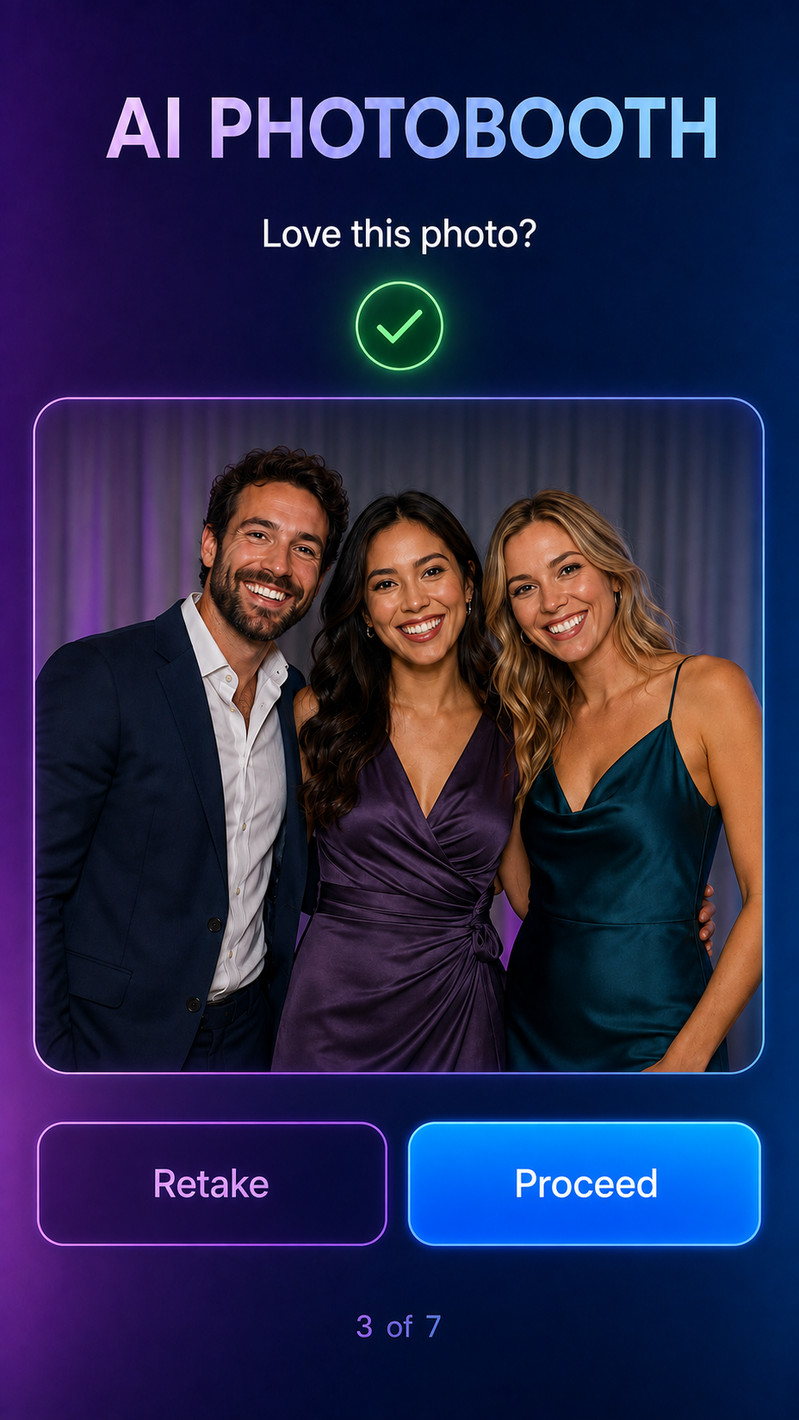
Give the guest control before any AI processing begins.
Retake captures a new photo. Proceed confirms the displayed photo.
Retake restarts the camera flow. Proceed locks this capture and opens templates.
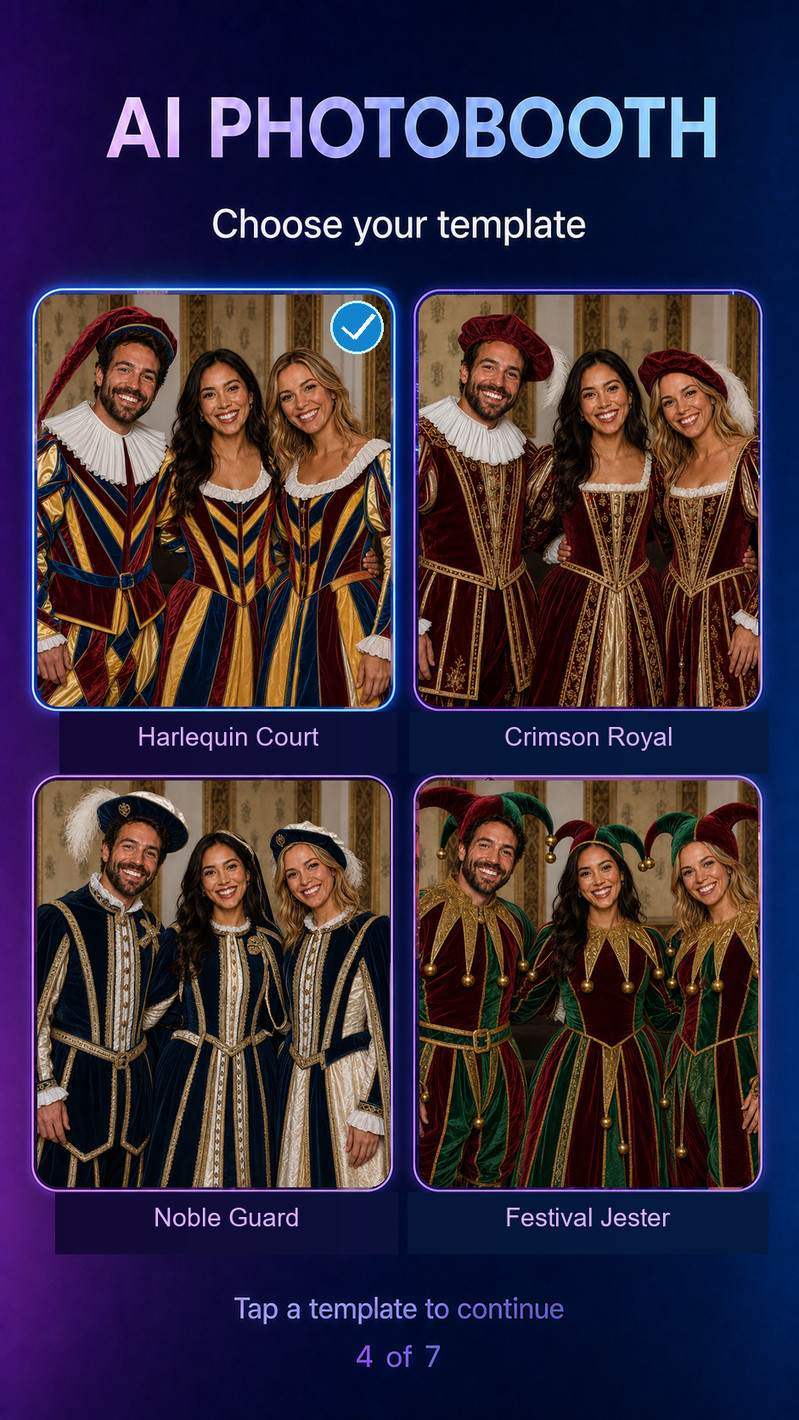
Show how the captured guests will look in each approved face-swap costume.
The guest taps the preferred costume. Harlequin Court is selected in this example.
The frontend confirms the selected card and starts the face-swap image-generation request.
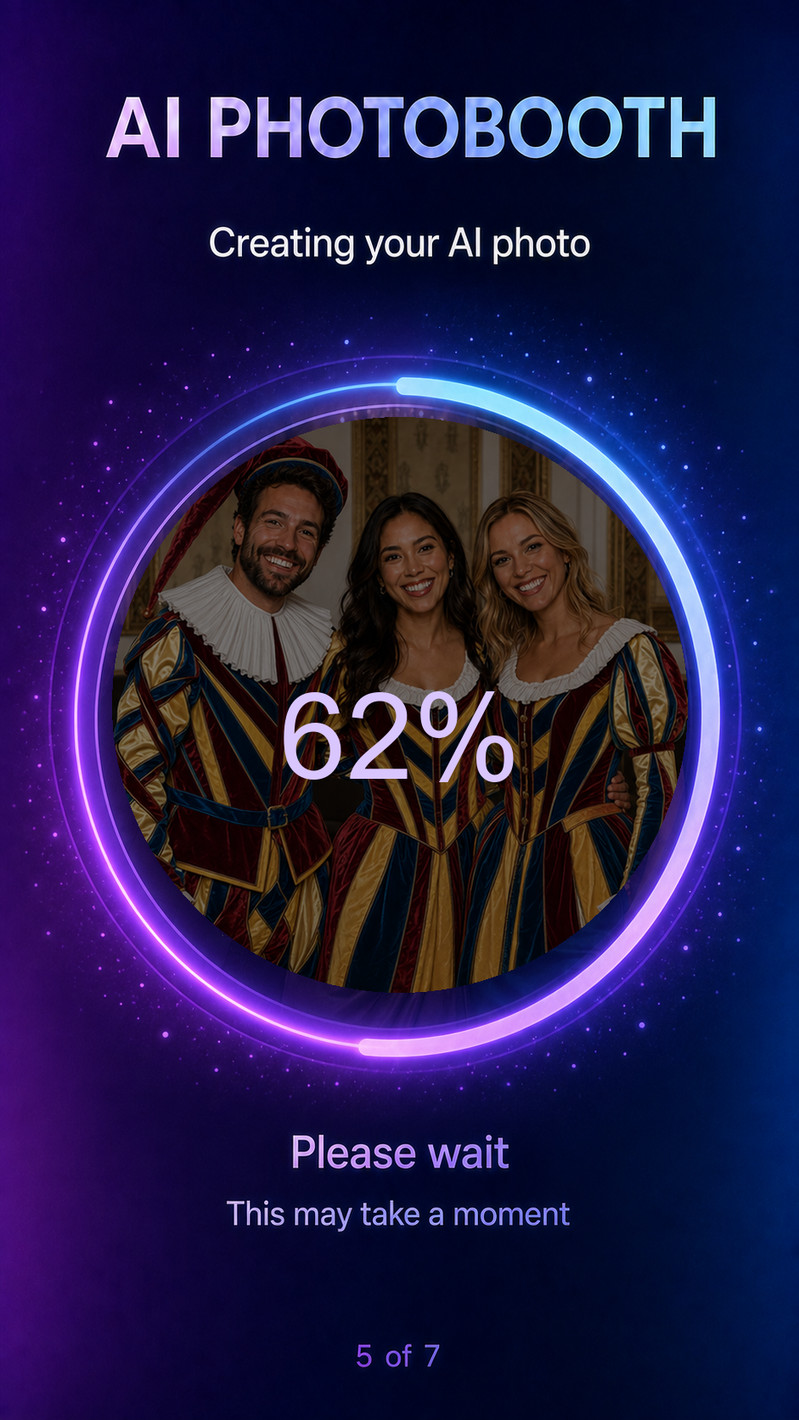
Keep the guest informed while the image is processed.
The guest waits. No repeated submit action is required.
The frontend prevents duplicate requests and continues checking until the result is ready.
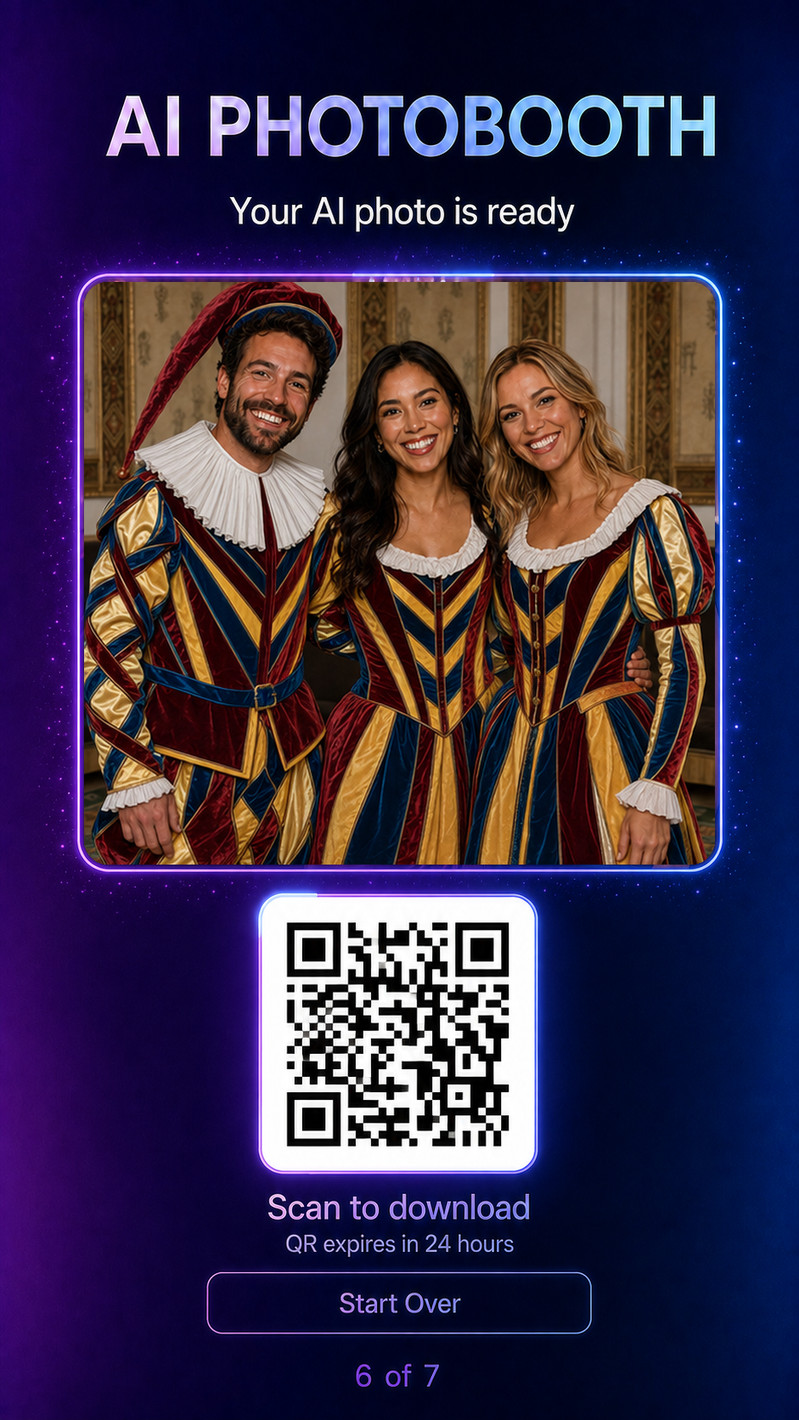
Present the finished photo and transfer it to the guest's phone.
The guest scans the QR code or selects Start Over for a new kiosk session.
The QR opens a private mobile download page. Start Over clears the kiosk session.
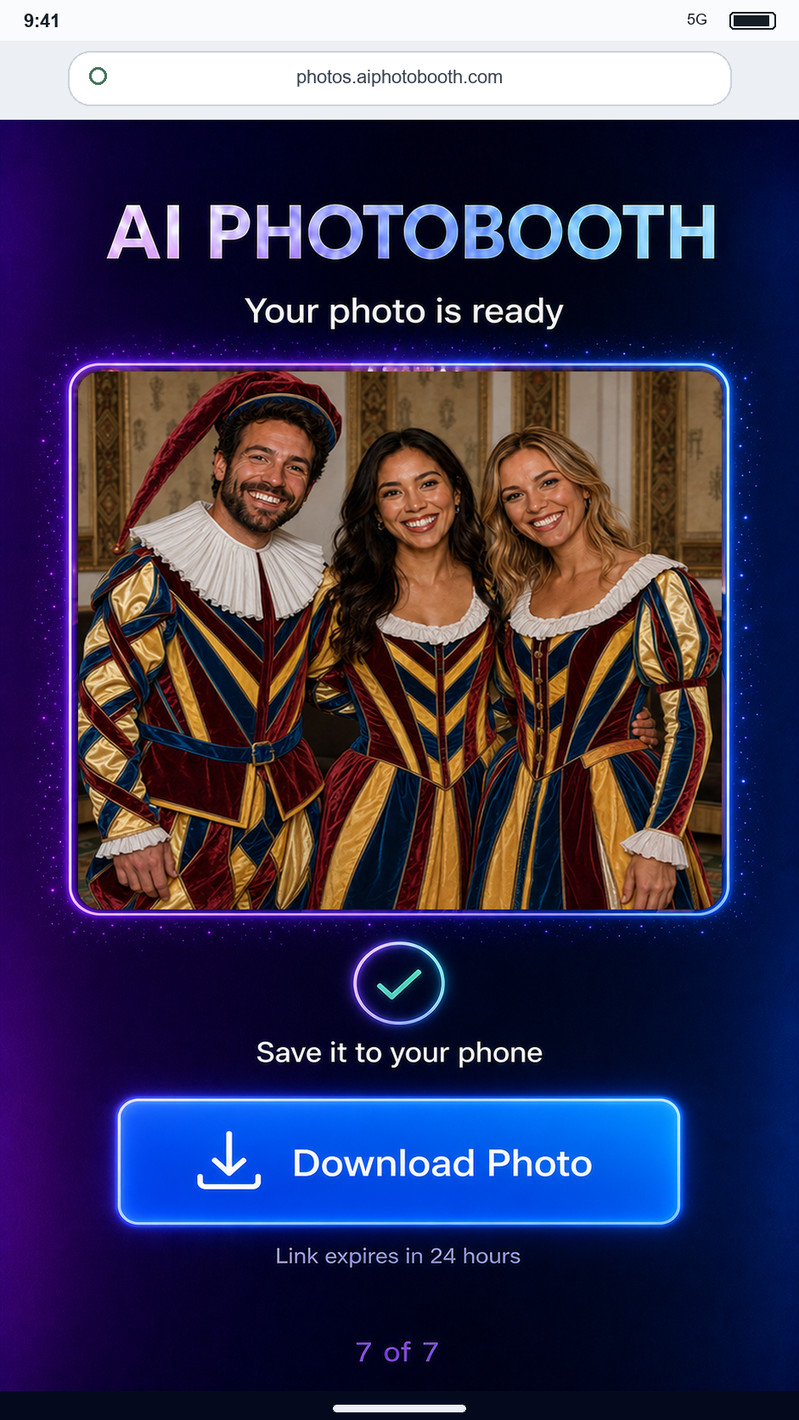
Let the guest save the generated photo without an account or application.
The guest taps Download Photo.
The mobile browser downloads the image directly to the phone.
Engineered for high-traffic public, VIP corporate, and experiential brand environments.
Transforms black-tie guests into historical royals, sci-fi pioneers, or movie icons with tailored costume styles.
Lets fans step directly into the shoes of their favorite game characters, heroes, and sci-fi universes.
Creates an emotional brand connection through personalized, high-fashion visual takeaways shared across social media.
Energizes celebratory gatherings with playful, laughter-inducing group and individual portrait transformations.
Guests choose Group or Individual mode, pose with the live camera countdown, select an event-themed costume, and generate a customized face-swap image. The completed portrait is transferred instantly to their smartphone via a high-contrast QR code without requiring any app download or account signup.
The installation requires a standard 220V/13A power outlet, a compact footprint of approximately 2m x 2m (including guest posing space), and a stable Wi-Fi or 4G/5G connection for instant cloud rendering and QR code mobile routing.
Yes. We provide complete customization including vinyl wrapping the freestanding kiosk, customizing the on-screen UI with your corporate brand identity, designing custom AI costume styles aligned with your theme, and adding branded photo watermarks.
Yes. CREOVA LABS deploys activations across the entire UAE (Dubai, Abu Dhabi, Sharjah), Saudi Arabia (Riyadh, Jeddah), Qatar, Oman, and worldwide with full logistics and on-site technical operators.
Tell us your event date, venue, audience size, and activation theme. Our creative engineering team will confirm availability and turnkey setup details.